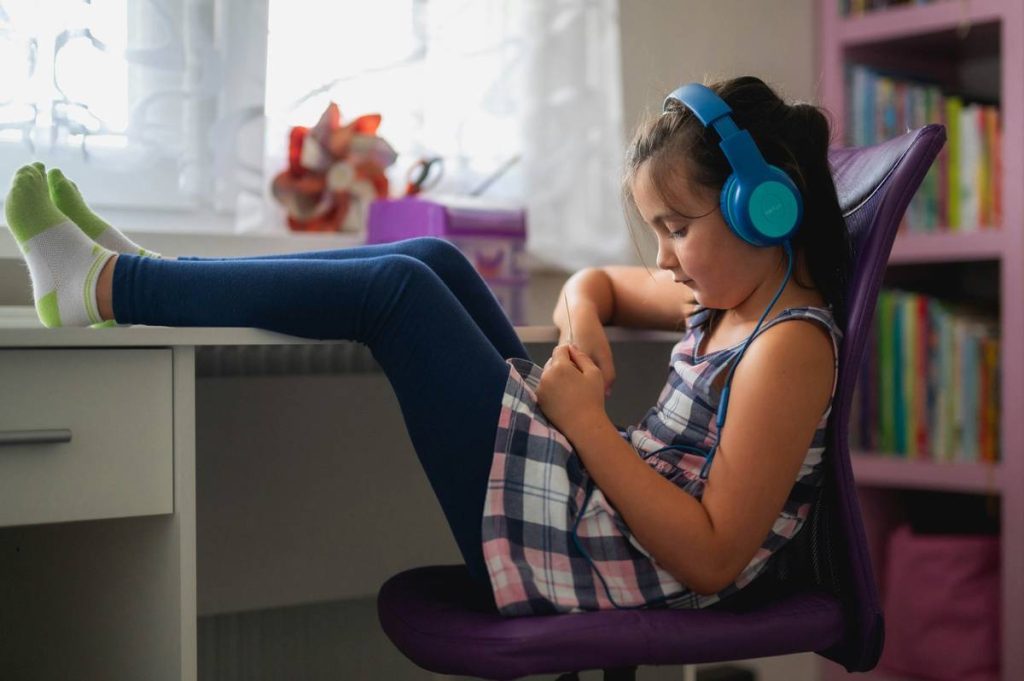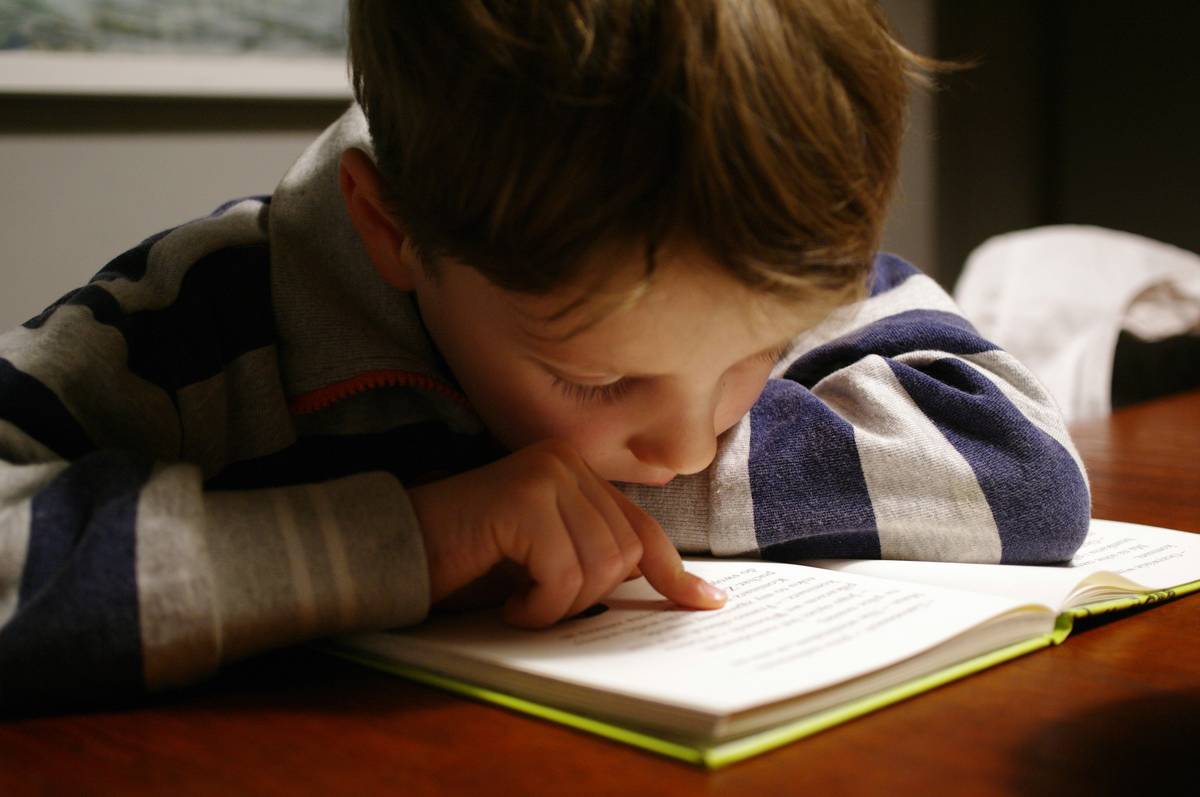
“Will my child ever read without dread?” That question landed like a stone in my stomach the day my son—bright, curious, and endlessly inventive—burst into tears after misreading “cat” as “tack” for the fifth time during a 3-minute passage. We’d tried flashcards, audiobooks, even color overlays… but nothing stuck—until we discovered reading apps for dyslexic kids built on real cognitive science, not flashy gimmicks. This isn’t about replacing teachers or tutors. It’s about giving your child a private, judgment-free space where decoding feels less like climbing a cliff—and more like finding handholds they didn’t know were there.
Table of Contents
- Why Reading Apps for Dyslexic Kids Matter More Than Ever
- How to Choose & Use Reading Apps Effectively: A 4-Step Guide
- 6 Evidence-Based Best Practices (That Most Parents Miss)
- Real Results: How One Family Gained 8 Months of Reading Growth in 12 Weeks
- Frequently Asked Questions About Reading Support Tools
Why Reading Apps for Dyslexic Kids Matter More Than Ever
Dyslexia affects up to 20% of the U.S. population—and nearly 1 in 5 students in general education classrooms are estimated to have undiagnosed or mild-to-moderate reading challenges (National Institute of Child Health and Human Development). Yet most schools still rely on paper-based interventions with no real-time feedback loop. That’s where reading apps for dyslexic kids step in—not as magic pills, but as precision instruments. They adapt font spacing, offer immediate phoneme-level correction, and layer multisensory input (sight + sound + touch) exactly when the brain needs it.
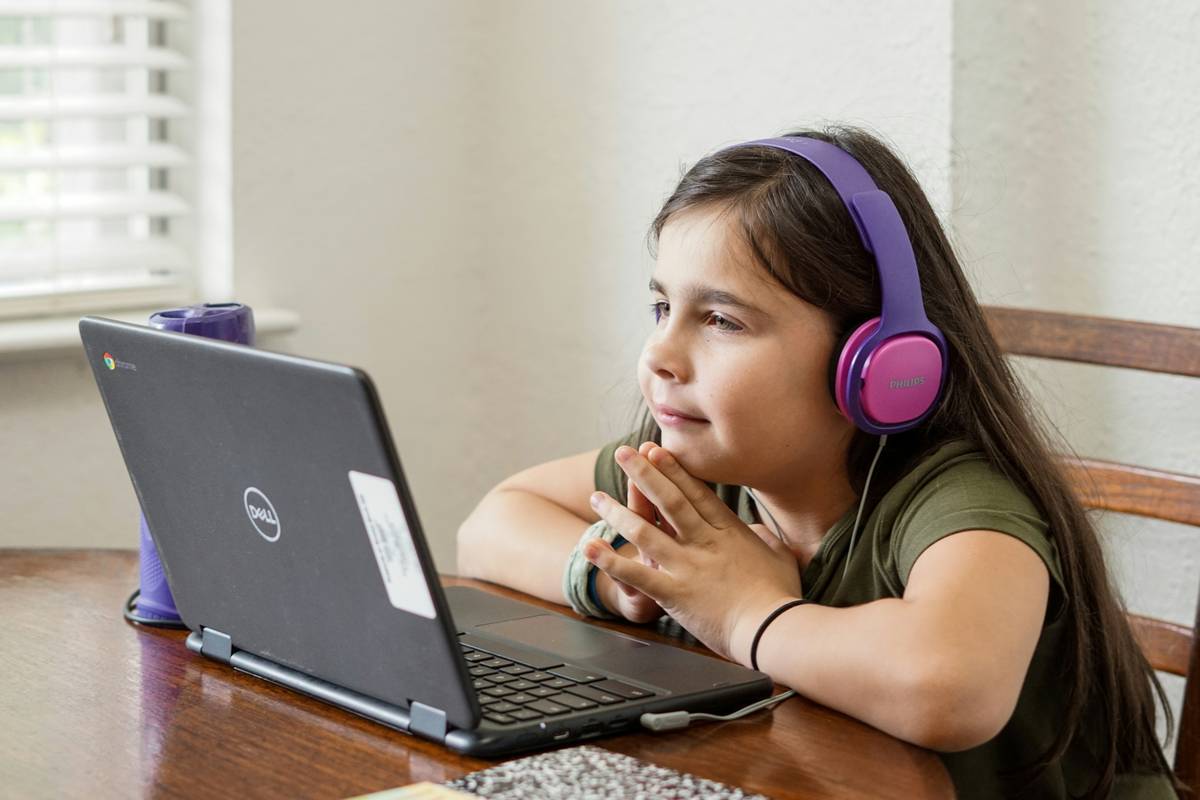
I messed this up badly two years ago. I downloaded a top-rated “learn to read” app that promised “miraculous progress” in 14 days. It used cartoon characters and candy rewards—but zero evidence-based reading instruction. My son loved the sounds. He hated the reading. Within a week, he associated the app with frustration—and started refusing tablets altogether. That crash taught me one truth: engagement without pedagogy is just digital theater. The best reading apps for dyslexic kids aren’t the prettiest. They’re the ones built by literacy researchers, validated in peer-reviewed studies, and stress-tested by real classrooms.
How to Choose & Use Reading Apps Effectively: A 4-Step Guide
Step 1: Audit Your Child’s Specific Needs (Not Just “Dyslexia”)
Dyslexia isn’t monolithic. Does your child struggle most with phonemic awareness? Rapid naming? Working memory overload? Tools like the Learning Disabilities Association of America’s screening checklist help narrow focus before you download anything.
Step 2: Prioritize Evidence Over Aesthetics
Look for explicit alignment with Structured Literacy—the gold-standard framework endorsed by the International Dyslexia Association. Ask: Does it teach letter-sound correspondences in sequence? Does it provide cumulative review? Avoid apps that skip phonics for whole-language shortcuts.
Step 3: Test With Real Text—Not Just Drills
Many apps shine on isolated word practice but crumble at connected text. Have your child read a short paragraph aloud while the app runs. Does it adjust pacing intelligently? Does it let them tap unfamiliar words *mid-sentence* without breaking flow?
Step 4: Build Consistency, Not Marathon Sessions
Aim for 12–15 focused minutes, 4 days/week—not 45 minutes once weekly. Research shows consistent micro-practice improves neural pathways more reliably than infrequent intensity (Journal of Educational Psychology, 2022).
6 Evidence-Based Best Practices (That Most Parents Miss)
- Never disable speech output—even if your child “knows the word.” Auditory reinforcement strengthens orthographic mapping. Hearing the word while seeing it builds faster automaticity.
- Pair apps with low-tech anchoring: Print out a favorite app-generated sentence and have your child highlight consonants in blue, vowels in red. This bridges digital and tactile learning.
- Use voice memos—not just typing—to respond. Let your child record answers verbally in-app or via phone; writing fatigue often masks true comprehension.
- Turn off animated feedback if it distracts. Some children hyperfocus on bouncing stars instead of blending sounds. Go to Settings > Accessibility > Reduce Motion.
- Review progress data weekly—no more, no less. Most apps log accuracy, response time, and error patterns. Spot trends (e.g., “always misreads /th/ as /t/”) to guide next-week focus.
- Co-use—not just supervise. Sit beside your child, point to words with them, whisper syllables in rhythm. Your presence isn’t babysitting—it’s co-regulation.
Real Results: How One Family Gained 8 Months of Reading Growth in 12 Weeks
Elena, age 9, entered third grade reading at a mid-first-grade level. Her school’s intervention was worksheet-heavy and unpersonalized. Her parents started her on a structured literacy app that embedded Orton-Gillingham principles with real-time error analysis. No rewards, no gamification—just clean, sequential instruction. They committed to 15 minutes daily with active co-participation. After 12 weeks, her NWEA MAP assessment showed an 8-month gain in oral reading fluency. Crucially, self-reported “reading anxiety” dropped from 8/10 to 3/10. As Elena told her teacher: “It doesn’t yell at me when I’m slow. It just says it again—so I can try.” That trust is where real growth begins.
Frequently Asked Questions About Reading Support Tools
- Are free reading apps for dyslexic kids actually effective?
- Some are—but be selective. Free apps often lack robust phonics scope/sequence or real-time diagnostic feedback. Look for those developed by research institutions (e.g., University of Michigan’s GraphoLearn) or vetted by the IDA. Always pilot for 7 days alongside a trusted adult.
- Can reading apps replace a diagnosis or formal intervention?
- No. Apps support—but don’t substitute—for comprehensive evaluation and targeted instruction. If you suspect dyslexia, start with a professional assessment. Learn more about our mission and multidisciplinary approach on our About Us page.
- What’s the biggest mistake parents make with these tools?
- Treating them like passive entertainment. The “terrible tip” I wish someone had shouted at me: Don’t set your child loose with the tablet and walk away. These tools work best when adults co-observe, co-name strategies (“I see you slowing down for the ‘ck’ blend—that’s smart”), and reinforce gains offline.
- How do I know if an app respects privacy and data safety?
- Check its privacy policy for clear language on data collection, encryption, and COPPA compliance. Avoid any platform requesting social media access or full device permissions. Our full security standards are outlined in our Privacy Policy.
- Which reading apps for dyslexic kids integrate well with IEP goals?
- Apps like ModMath (for dysgraphia-linked reading struggles), Nessy Learning, and Read&Write offer detailed progress exports compatible with IEP reporting. Teachers can use screenshots of skill mastery dashboards to inform quarterly goal tracking.
All this starts with one small, brave click—or tap. You don’t need perfect knowledge. You need persistence, patience, and the right tool in hand. If your child is still waiting for reading to click—we see you. And we’re here to help you find what works.
Have questions about matching an app to your child’s profile? Our team offers free 15-minute consults. Reach out today—no jargon, no pressure, just real talk.